0
0


Laptop backpacks: how to check a 15.6-inch sleeve actually fits

A laptop backpack fits your laptop when the sleeve is wider and taller than the machine's chassis, not its screen. Screen size is a diagonal; a 15.6-inch laptop is usually about 36 cm wide and 24 cm deep. Measure the laptop, compare it with the sleeve, and check that the sleeve sits against the back panel. Four Fieldwrks packs take up to 15.6 inches and one takes 16.
Key takeaways
- Laptop sizes are screen diagonals; the chassis of a 15.6-inch laptop is typically about 36 cm wide and 24 cm deep, and that is what has to fit the sleeve.
- A padded sleeve protects against knocks; a suspended sleeve also keeps the laptop off the base of the bag when you set it down.
- The sleeve belongs against the back panel so the weight sits close to your spine and everything else in the bag shields the laptop.
- As of 2026, four Fieldwrks packs fit up to a 15.6-inch laptop and the 35 L Reroute fits up to 16 inches.
What does the inch on a laptop actually measure?
The number in a laptop's name is the diagonal of the screen, corner to corner, in inches. It says nothing about the body of the machine. Two 15.6-inch laptops can differ by a couple of centimetres in width depending on how thick the bezels are, and a modern 16-inch laptop with thin bezels can be the same width as an older 15.6-inch one.
So when a listing says laptop backpack 15.6 inch, it means the sleeve was cut for a typical 15.6-inch chassis, not that every laptop sold as 15.6 will drop in. The only reliable check is the chassis: width, depth and thickness, from the spec sheet or a ruler.
How wide is a 15.6-inch laptop really?
Approximate chassis sizes for the common screen sizes sold in India:
- 13-inch: roughly 30 cm wide, 21 to 22 cm deep.
- 14-inch: roughly 31 to 32.5 cm wide, 21.5 to 23 cm deep.
- 15.6-inch: roughly 35.5 to 36.5 cm wide, 23 to 25 cm deep.
- 16-inch: roughly 35.5 to 36.5 cm wide, 24 to 25.5 cm deep.
Notice the overlap between 15.6 and 16 inches. Thin-bezel 16-inch machines are often no wider than a 15.6, only a little deeper. Thickness rarely matters, because a padded sleeve has more give front to back than side to side. Check width first, then depth, and take both from the manufacturer's spec sheet.
 In this note
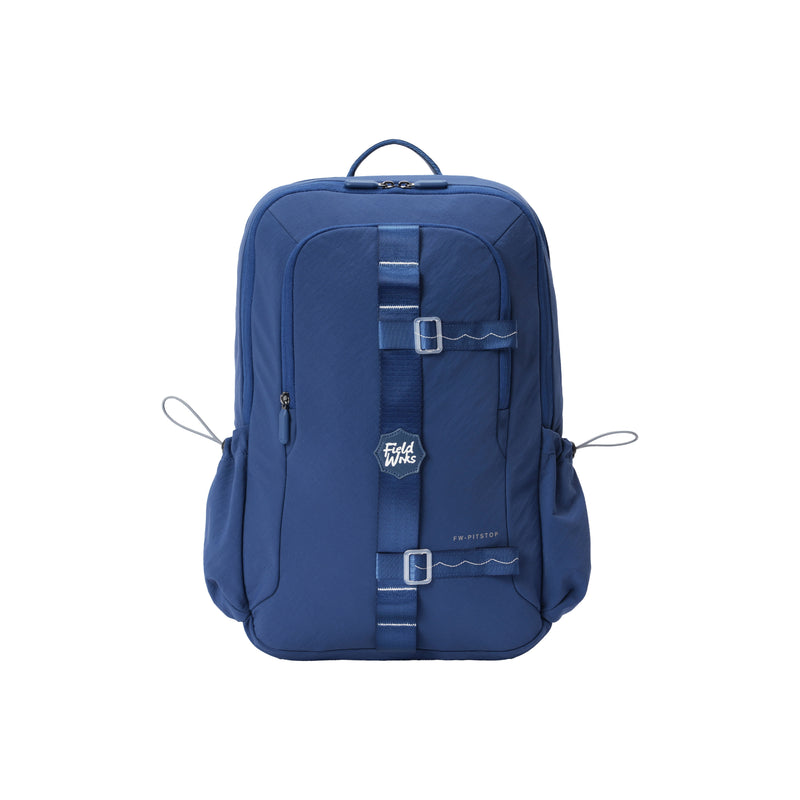
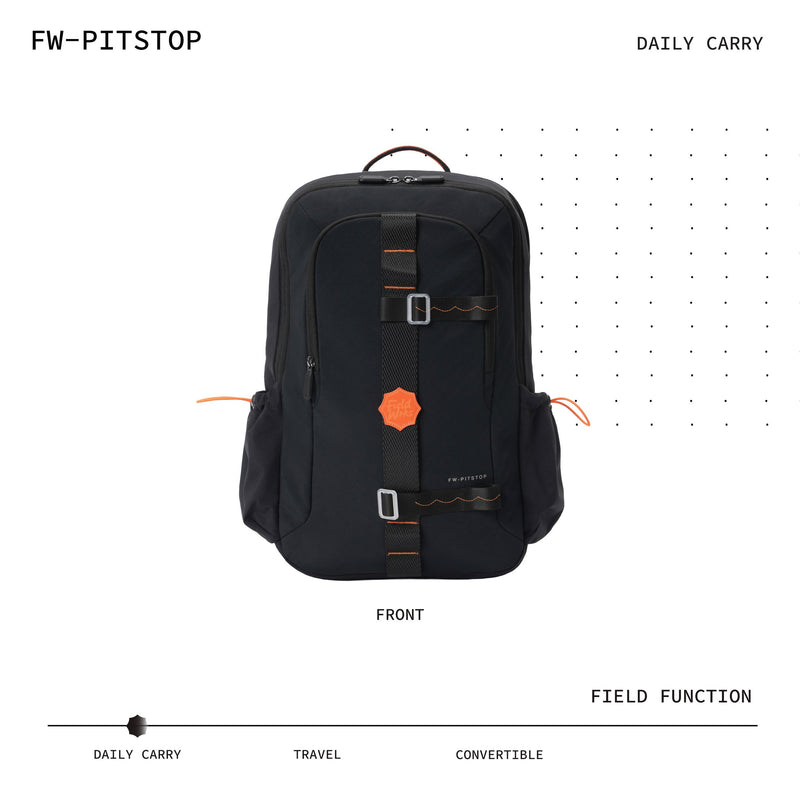
Fieldwrks Pitstop620 g · 26 L · 15.6" laptop · Daily carry · Commute · Campus
₹2,799
In this note
Fieldwrks Pitstop620 g · 26 L · 15.6" laptop · Daily carry · Commute · Campus
₹2,799Padded vs suspended sleeves: what is the difference?
A padded sleeve has a soft layer on one or both faces, so the laptop is cushioned against the other contents and against knocks through the back panel. Most listings for a backpack with laptop compartment mention padding; few say whether it covers the base.
A suspended sleeve is stitched so that its bottom edge sits above the floor of the bag. When you set the pack down, the laptop hangs rather than lands. That is the single feature that matters most for a machine that goes on and off a canteen floor thirty times a week. The Fieldwrks Pitstop backpack has a padded, suspended sleeve for exactly that reason.
Why should the laptop sleeve sit against the back panel?
Two reasons, and both are physics rather than fashion.
- Weight. A laptop is the heaviest flat thing you carry. Held close to your spine, it pulls less on the shoulders than the same weight at the front of the bag, where it acts as a lever. That is why a lightweight laptop backpack with the sleeve at the back feels lighter than a heavier bag with the sleeve in the front pocket.
- Protection. With the sleeve at the back, everything else in the bag is a buffer between the laptop and the world. A front-mounted sleeve meets every door frame and metro pole first.
Any decent pack also pads the back panel, a second layer between laptop and spine. If you carry the laptop every day, this position is not negotiable, whatever the listing calls the bag: laptop bag for men, laptop bag for women, or simply a backpack. The laptop does not know who is carrying it.
Which Fieldwrks laptop backpack fits your laptop?
All five packs put the sleeve against the back panel, use the same water-resistant Aerology™ nylon exterior and fold flat when empty. They differ in litres, weight and the largest laptop they take.
| Pack | Litres | Weight | Largest laptop | Sleeve |
|---|---|---|---|---|
| Pitstop | 26 L | 620 g | 15.6-inch | Padded, suspended sleeve |
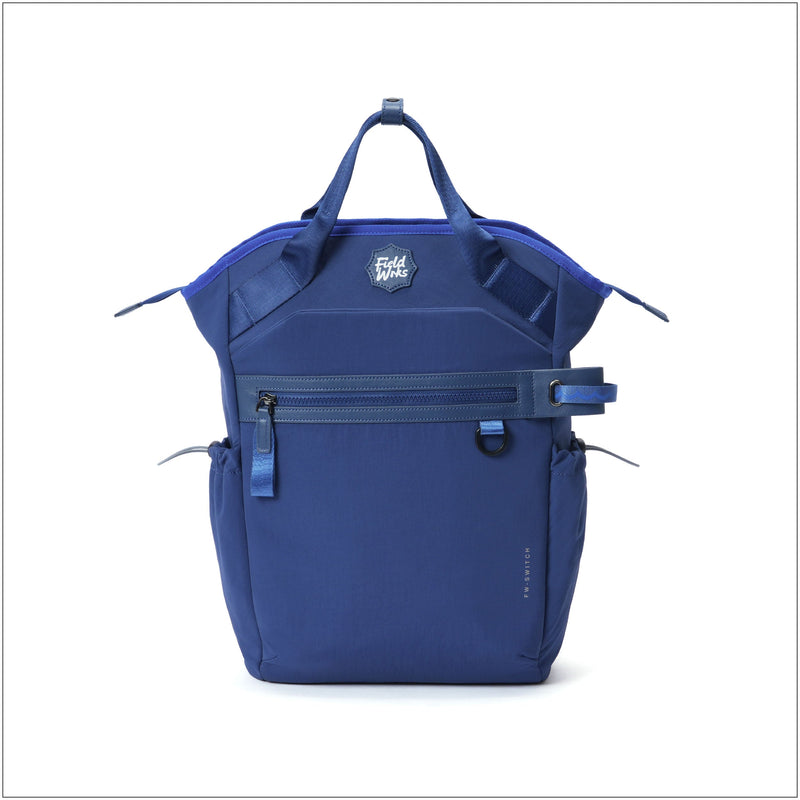
| Switch | 26 L | 805 g | 15.6-inch | Laptop sleeve plus a separate iPad sleeve |
| Sidewalk | 21 L | 700 g | 15.6-inch | Dedicated tech sleeve |
| Teleport | 29 L | 795 g | 15.6-inch | Padded sleeve |
| Reroute | 35 L | 780 g | 16-inch | Padded tech compartment |
If your laptop is a thin-bezel 16-inch, or a 15.6 at the wide end of the range, the Fieldwrks Reroute backpack is the one to pick: it fits laptops up to 16 inches. For anything up to a standard 15.6, choose on litres: 21 L for a light day, 26 L for office or college, 29 L if you also carry a change of clothes.
 In this note
Fieldwrks Reroute780 g · 35 L · 16" laptop
₹3,699
In this note
Fieldwrks Reroute780 g · 35 L · 16" laptop
₹3,699How do you check the fit in 30 seconds?
In a shop, with the laptop in hand:
- Slide it in with the lid closed. It should go in without pushing and come out with two fingers.
- Close the main zip fully. If the zip has to bend around a corner of the laptop, the sleeve is too short.
- Set the bag down on its base. Lift it again and listen: a clunk means the laptop is sitting on the floor of the bag, not suspended.
- Put it on. The laptop should sit flat against your back, not bow outwards.
Buying online, run the numbers instead: chassis width and depth from the spec sheet against the largest laptop the sleeve is rated for. A machine at or under that rating fits. If you also want a laptop backpack with compartments for chargers and a mouse, see our office backpack guide. Students should start with the best college bags in India, and if the budget is fixed, our laptop backpack picks for a tight budget.
Frequently asked questions
Will a 16-inch laptop fit in a 15.6-inch backpack sleeve?
Sometimes, and you should not rely on it. Thin-bezel 16-inch machines are often the same width as a 15.6 but a little deeper, so the sleeve may close with a bulge or not at all. If you own a 16-inch laptop, buy a sleeve rated for 16 inches, like the Reroute's.
Does a laptop backpack need a padded sleeve?
Yes, if the laptop travels daily. Padding absorbs the small knocks from doors, seats and other bags, and a suspended sleeve stops the base impacts that damage corners and hinges. A thin unpadded sleeve is fine only for a laptop that lives in its own hard case.
Is a 15.6-inch laptop backpack too big for a 13-inch laptop?
No. A 13-inch laptop sits lower in a 15.6-inch sleeve and may slide sideways a little, which is harmless. Choose the bag for everything else you carry; the sleeve sets the largest laptop it takes, not the smallest.
Where should the laptop go in a backpack?
In the sleeve against the back panel, with nothing hard between it and the panel. Chargers, bottles and keys go in the outer pockets or the front of the main compartment so they cannot press into the lid or the screen.
If your laptop is 15.6 inches or smaller, the Pitstop at 620 g is the lightest way to carry it. If it is a 16-inch, it is the Reroute. Both are at /collections/all.